


05 November 2026
|
8:10:45
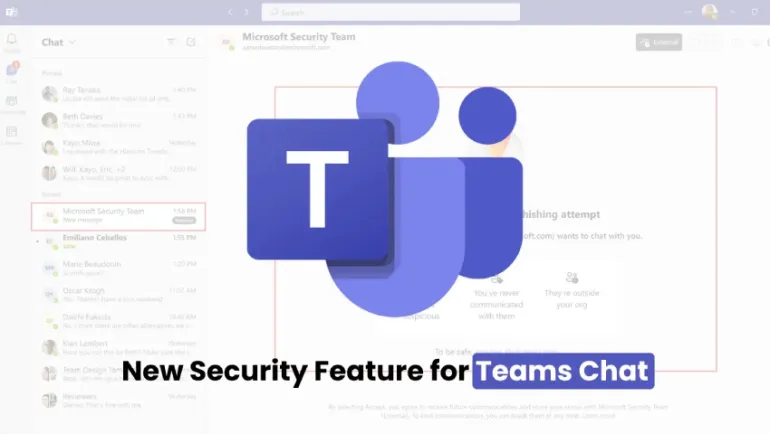
Microsoft Teams is adding AI-powered phishing detection that reads the context of chats with new external contacts. When it spots a likely scam, Teams shows a warning in the chat. Rollout starts in early November 2026, with worldwide availability expected in early to mid-December. IT admins do not need to configure anything.
Scammers have moved beyond email. They now message people directly in workplace chat tools, where messages feel more trusted. This article explains the new Microsoft Teams security update, how it works, and what it means for your organization.
Microsoft announced the feature in Message Center notice MC1519866 on October 21, 2026. The company describes it as AI-powered, context-aware detection. It looks for phishing, social engineering, impersonation, and deceptive intent in conversations.
Traditional phishing protection software scans for malicious links and dangerous attachments. This new tool goes further. It reads what a conversation asks you to do, so it can flag scams that contain no link or file at all.
Chat feels personal and urgent. People often trust a message from a colleague or a help desk without a second thought. Cybercriminals exploit this trust.
Arctic Wolf Labs published research on October 26. It analyzed more than 400 incidents where attackers used Teams external chat. Attackers impersonated staff or delivered malicious files. A common trick is the fake IT help desk. The attacker poses as support, then asks the victim to grant remote access or share a code.
These attacks often aim at credential harvesting. Stolen logins lead to identity theft, data theft, and fraud such as business email compromise. Generative AI also helps scammers write convincing messages, so old warning signs like bad spelling no longer work.
Microsoft targets higher-risk situations, mainly first-contact chats from external contacts. Detection covers one-to-one and group chats. It works on desktop, web, and mobile.
The AI reads the language of the chat. It looks for urgent demands for credentials, fake support requests, and fake identities. It then judges whether the conversation looks like a scam.
When Teams flags a message, a warning appears inside the conversation. Microsoft says detection may run silently at first during quality validation. After that, users may see security alerts for suspicious conversations.
Many people worry that AI will read their chats. Microsoft addresses this directly. The company says the capability serves security only. It will not support summaries, productivity insights, advertising, or employee monitoring. Reports also say Microsoft will not keep message content or use it to train AI models.
These are Microsoft's own statements. Security and compliance teams should still review them against their internal policies. Microsoft's documentation remains the final source for data protection terms.
No AI detector catches every scam. Treat this update as one layer, not a complete shield. Keep these limits in mind:
The AI layer works best alongside strong habits and settings. This checklist reflects common security best practices.
This update raises the baseline for Microsoft Teams safety. Because it costs nothing extra and needs no setup, nearly every Microsoft 365 organization benefits. Larger or regulated businesses still need layered defenses, such as email security, endpoint protection, and access controls.
If you compare collaboration tools, ask these questions. Does the platform scan the content of conversations? Can you restrict external contacts? Does it warn users inside the chat? Teams now answers yes to all three, although the rollout is still underway.
Microsoft's AI phishing detection is a welcome upgrade for Teams. It targets a real and growing threat, it needs no setup, and it respects clear privacy limits on paper. Still, it cannot replace careful users and strong access rules. Turn on the protection, tighten external access, and train your staff. Together, these steps give you the safest chat environment.
No. Microsoft says the feature enables automatically and needs no configuration.
Rollout begins in early November 2026. Worldwide availability is expected between early and mid-December 2026.
The AI analyzes messages in chats with new external contacts for security purposes. Microsoft says it does not use them for monitoring, advertising, or AI training.
Do not reply, click links, or open files. Report the chat to your IT or security team.










Comments
There are no comments for this Article.