



13 September 2026
|
8:10:45
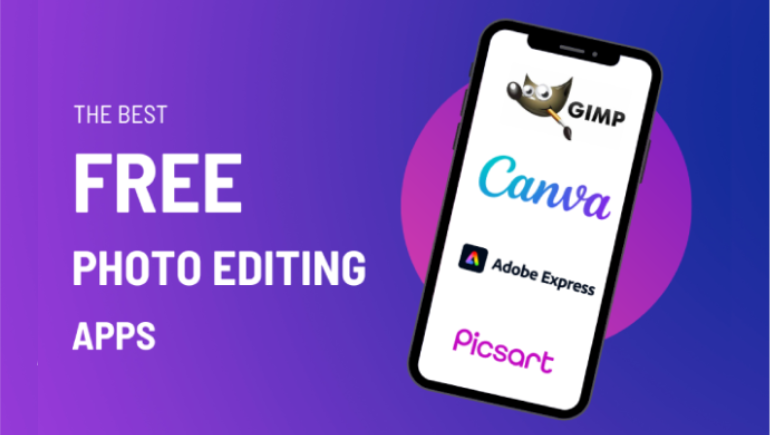
Mobile photography has evolved dramatically over the last few years. With smartphone cameras now capable of producing professional-quality images, the demand for powerful mobile editing apps has never been higher. In 2026, AI-assisted editing, cloud collaboration, and advanced color grading tools have transformed how creators edit content directly from their phones.
Whether you are a professional photographer, content creator, influencer, or casual user, choosing the right photo editing app can significantly improve your workflow and visual quality. In this guide, we explore the Top 5 Best Mobile Photo Editing Apps for 2026 based on performance, features, usability, and overall value.
Adobe Lightroom Mobile continues to dominate the mobile editing industry in 2026. Known for its professional-grade color correction and RAW image processing capabilities, Lightroom remains the first choice for photographers who demand precision and flexibility.
The app’s AI-powered enhancement tools now offer automatic lighting balancing, skin tone correction, and cinematic color suggestions. Lightroom Mobile also integrates seamlessly with the Adobe Creative Cloud ecosystem, making it ideal for professional workflows.
Best For: Professional photographers and advanced creators.
Despite increasing competition, Snapseed remains one of the most reliable free photo editing apps available. Developed by Google, the app combines simplicity with surprisingly advanced editing capabilities.
In 2026, Snapseed has improved its AI enhancement engine, making quick edits faster and more accurate. Its lightweight design and intuitive controls make it especially attractive for beginners and casual users.
Best For: Beginners and users seeking a free professional editor.
PicsArt has transformed from a simple editing app into a full creative platform. With powerful AI tools, social sharing options, and graphic design features, it is now one of the most versatile editing applications available.
The app is particularly popular among influencers and digital marketers because of its all-in-one creative toolkit. Users can create thumbnails, social media posts, advertisements, and edited photos from a single platform.
Best For: Content creators and social media professionals.
VSCO continues to stand out for its artistic editing style and premium filter collections. The app is favored by creators who prefer cinematic aesthetics and minimalistic editing workflows.
In 2026, VSCO introduced AI-assisted mood matching, allowing users to apply editing styles based on visual themes and emotions. This feature has become extremely popular among lifestyle and travel photographers.
Best For: Artistic creators and aesthetic-focused photography.
Canva is no longer just a graphic design platform. Its mobile photo editing capabilities have expanded significantly, making it a strong competitor in the editing space.
Canva’s strength lies in speed and convenience. Users can edit photos, design promotional graphics, and publish content directly to social platforms without switching apps.
Best For: Business owners, marketers, and quick content production.
The mobile photo editing landscape in 2026 is more competitive and innovative than ever before. AI-powered automation, cloud collaboration, and professional-grade editing tools have made mobile editing a legitimate alternative to desktop software.
If you want professional color grading and RAW support, Adobe Lightroom Mobile remains the top choice. For free editing, Snapseed continues to deliver exceptional value. Meanwhile, PicsArt, VSCO, and Canva each offer unique strengths tailored to creators, artists, and marketers.
Ultimately, the best app depends on your creative goals, editing style, and workflow requirements. As smartphone photography continues to evolve, these apps are setting the standard for the future of mobile creativity.










Comments
There are no comments for this Article.